Faster Intervals, Smarter Recovery: Training for My First Marathon With the Google Pixel Watch 4
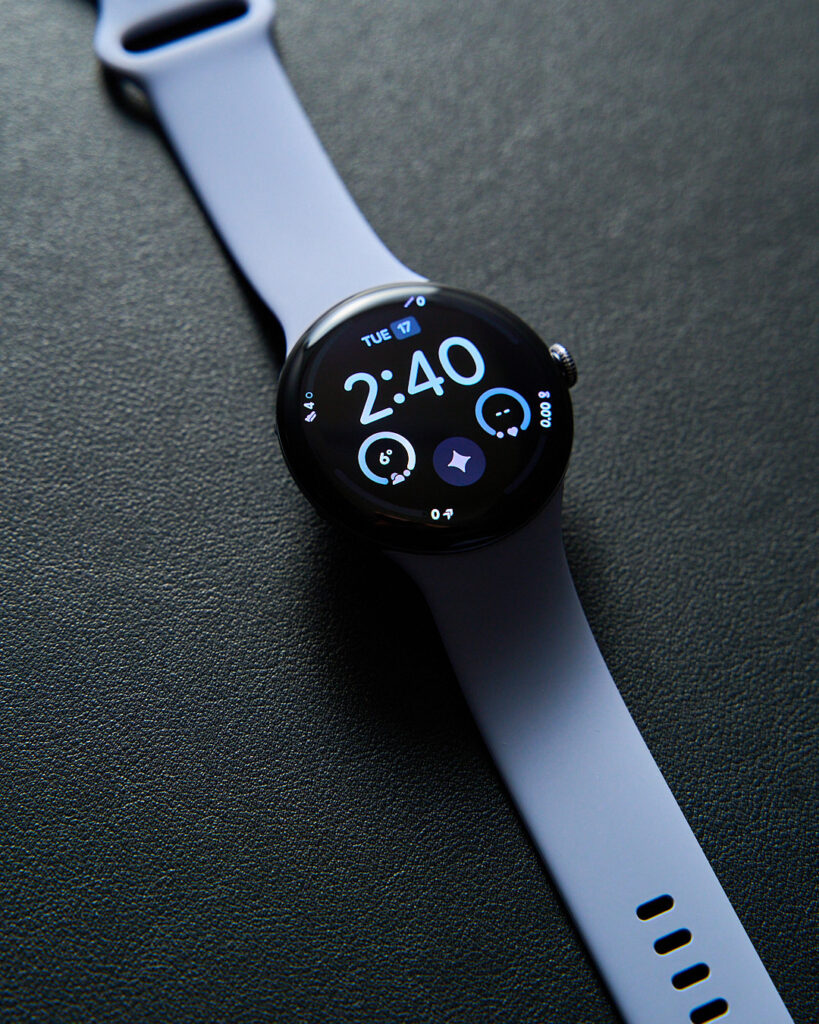
I’ve been training for my first marathon, and it’s a mix of excitement and “what have I gotten myself into?” Long runs build endurance, but the real progress comes from balancing intensity, rest, and sleep. I’ve been using the Google Pixel Watch 4 in the 45mm Moonstone, and it’s become a quiet but reliable part of that process.
The Moonstone finish has a subtle, satin-like quality that looks clean on the wrist, especially with the larger 45mm case. The bigger screen gives you more real estate without feeling bulky. And that domed Actua 360 display curves right to the edges, making it brighter (up to 3,000 nits) and easier to read during early morning or sunny runs. No more squinting at pace or heart rate numbers.
Battery life stands out right away. The 45mm version lasts up to 40 hours normally, or three days in Battery Saver mode. For marathon training, that means fewer mid-week charges when you’re already juggling work and runs. Quick Charge gets you to 50% in 15 minutes, so a short top-up before an evening interval session works fine.
High-intensity interval training (HIIT) has become a staple in my plan. Short bursts of hard effort followed by recovery periods push cardiovascular fitness faster than steady runs alone. They also help build the speed and power you need for race day.
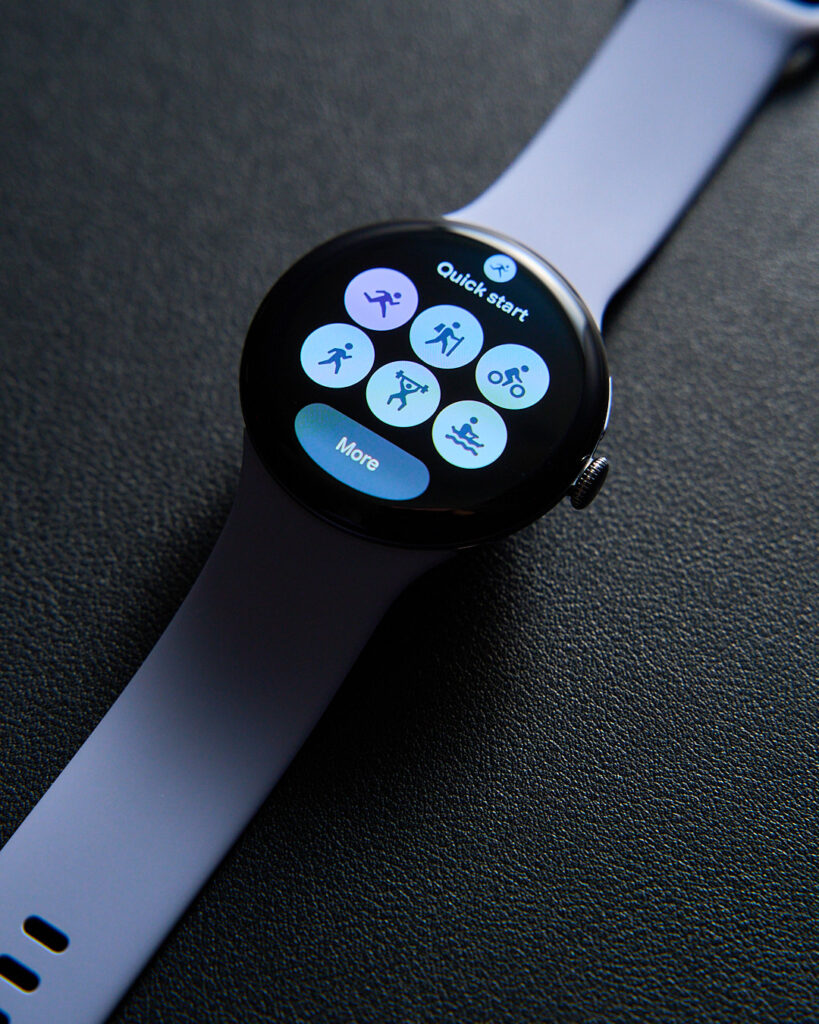
The watch supports HIIT as one of its 50+ exercise modes. You can build custom workouts in Workout Builder: set intervals, pace targets, heart rate zones, warm-ups, and cool-downs. During the session, it gives real-time audio and haptic cues, so you know when to push or ease off without staring at the screen.
It also tracks everything automatically if you forget to start a workout. The dual-frequency GPS keeps route mapping accurate even on city streets or wooded trails, which matters when you’re logging miles consistently.
Recovery matters just as much as the hard efforts. Maybe more. Push too hard without enough rest, and you risk burnout or injury right when you need to peak.
The Pixel Watch 4 pulls in data like heart rate variability, resting heart rate, and recent activity to gauge daily readiness. It shows whether your body can handle another intense session or needs an easier day. Cardio Load tracks the strain from workouts over time, so you can see the cumulative effect and avoid overdoing it.
Sleep tracking has improved noticeably. The watch uses advanced machine learning to classify your complete sleep cycle 18% more accurately than the previous generation. You’ll get details on time in light, deep, and REM sleep, plus how consistent your patterns are.
During marathon build-up, poor sleep slows muscle repair and raises injury risk. I’ve started paying closer attention to my sleep score and aiming for better consistency. The watch also senses skin temperature changes, which can flag early signs of fatigue or illness.
After runs, the running form analysis breaks down metrics like cadence, stride length, ground contact time, and vertical oscillation. You review them in the Fitbit app to spot patterns that might lead to inefficiency or strain. It’s practical feedback: tweak your form slightly, reduce bounce, land softer, and you might shave time off while staying healthier.
For someone time-conscious (like most of us), the watch removes guesswork. It logs weekly mileage, average heart rate, and personal records, all in one dashboard. If you’re doing HIIT one day and a long, easy run the next, it helps balance the load. On-wrist Gemini lets you ask quick questions (like hydration tips mid-run) or send smart replies without pulling out your phone.
If you’re eyeing your own first marathon, or just want better structure around fitness, start simple: pick one thing to track consistently. Build a weekly HIIT session with pace targets. Check readiness before hard days. Prioritize sleep by winding down earlier. The Pixel Watch 4 has made those habits easier to stick with without overwhelming me with data. It’s just there, giving useful nudges when I need them.